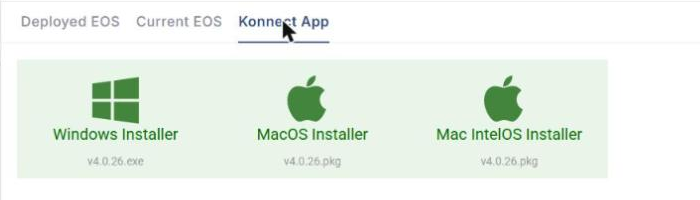
The S/W Configuration screen shows the KonnectOS (EOS) versions deployed on your devices and the current EOS releases, and provides links to download the Konnect application. Select S/W Configuration from the left menu of Kognitive Cloud to open it. The screen has three tabs: Deployed EOS, Current EOS and Konnect App.
Deployed EOS
-
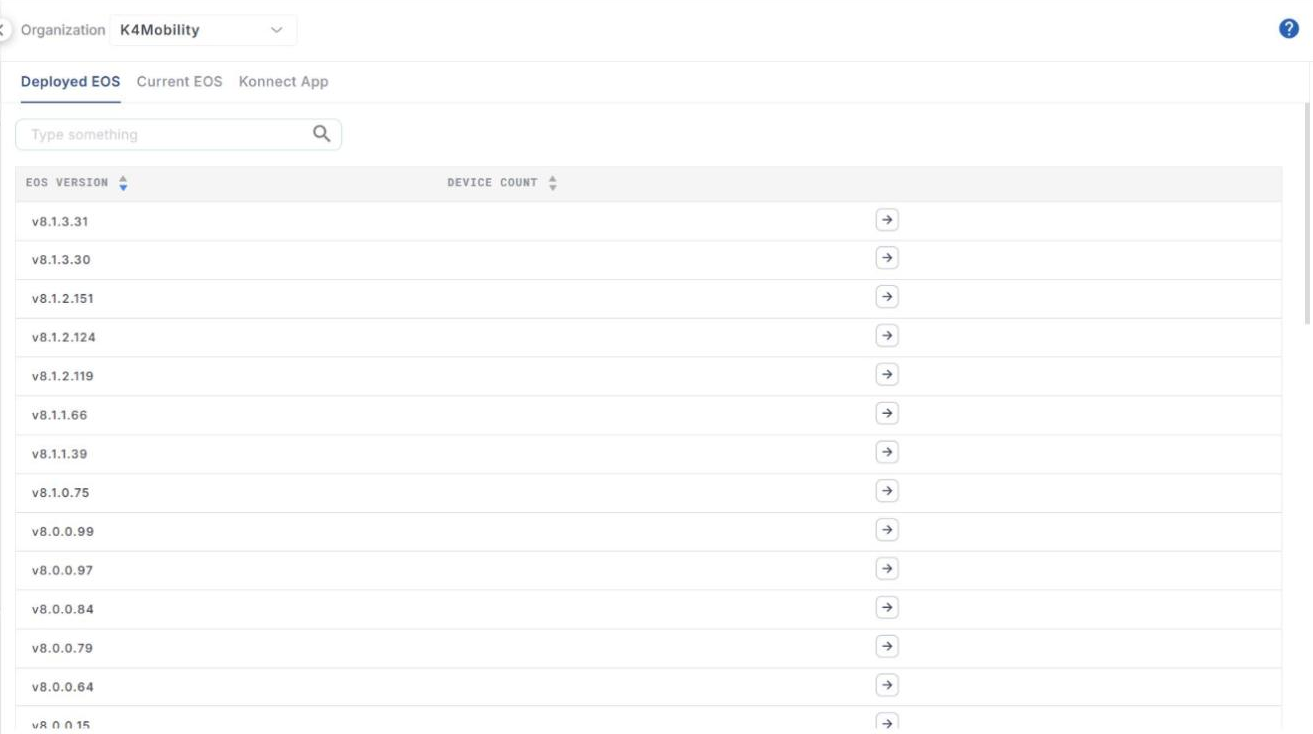
In the Organization field, select the organization or sub-organization. The organization of the logged-in user is selected by default.
-
The table lists the EOS versions deployed on the devices of the selected organization:
-
EOS Version – version of EOS deployed on the sites.
-
Device Count – number of devices using that version.
-
-
Use the search field to find a version.
-
Click the arrow icon next to a version to view the devices running it (Site and DID). Click the back arrow to return to the list.
Current EOS
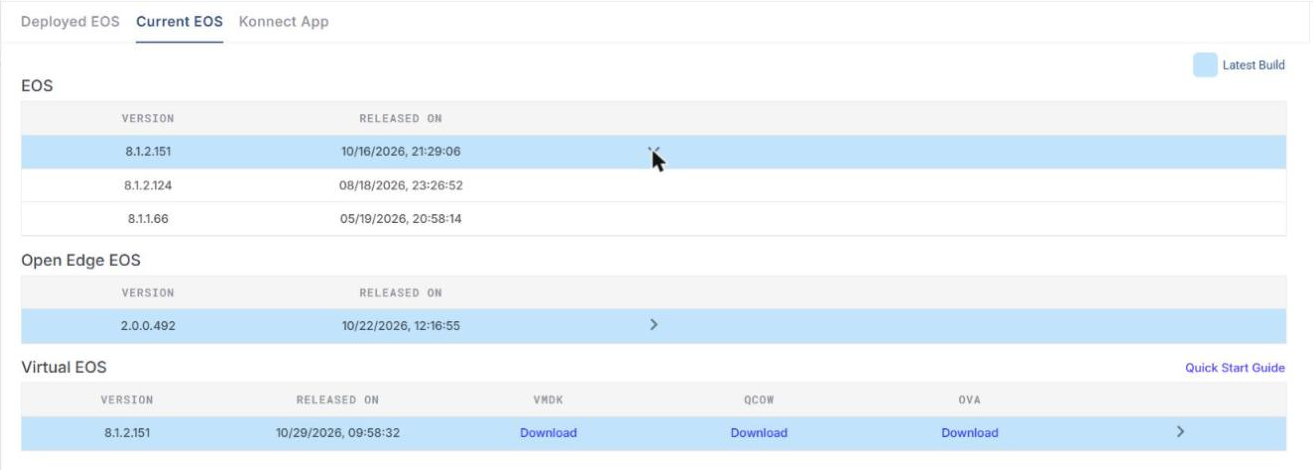
The Current EOS tab shows the latest EOS releases in three sections. The latest build of each is highlighted (see the Latest Build legend).
-
EOS – Version and Released On date of KonnectOS. Click > to show earlier releases.
-
Open Edge EOS – Version and Released On date of Open Edge EOS. Click > to show earlier releases.
-
Virtual EOS – Version and Released On date of Virtual EOS, with Download links for the VMDK, QCOW and OVA images. Click Quick Start Guide for the setup guide.
Konnect App
The Konnect App tab provides links to download the Konnect application installers for Windows, MacOS and Mac IntelOS. The version of each installer is shown below its name.