
VPN allows the KonnectOS System to connect its networks to a remote VPN server or to other KonnectOS Systems over an encrypted tunnel. This is most commonly used between KonnectOS Systems (for example, vessel-to-shore).
To access the VPN section, select VPN from the side menu bar. The VPN screen has two tabs:
-
Wireguard (selected by default) – configure this KonnectOS System as a Wireguard server (Wireguard Server section) and/or connect it to a remote Wireguard server (Wireguard Client section).
-
IPSec Client – connect this KonnectOS System to a remote IPSec VPN server.
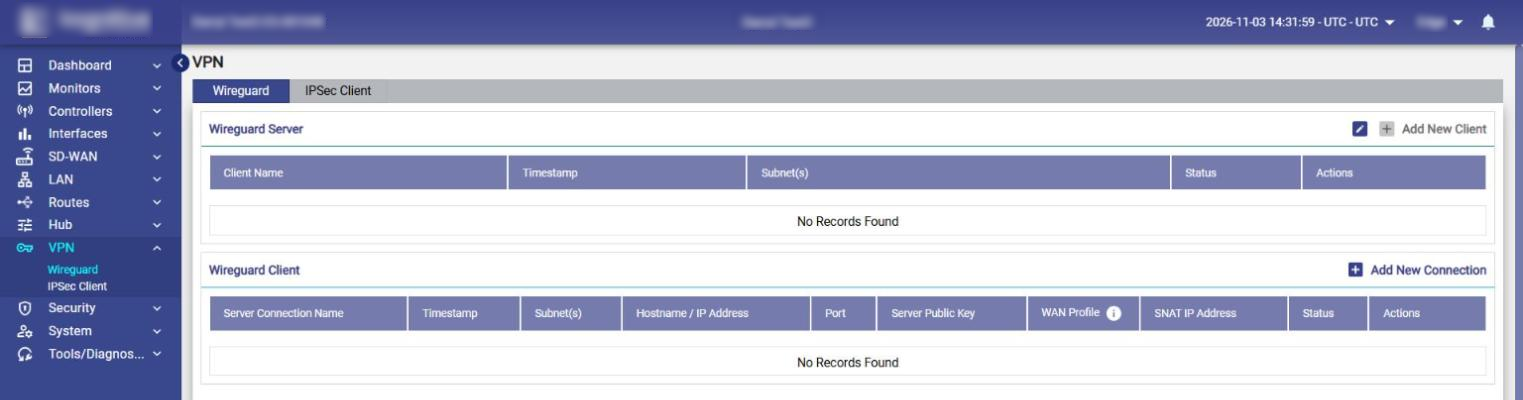
The Wireguard VPN configuration involves the following steps:
-
On the server KonnectOS System: configure the Wireguard Server settings (Hostname / IP Address and Port), then click Add New Client to create a client profile. Provide an alias name for the client and the subnet(s) allowed from the client. Once the client is created, its connection file can be downloaded.
-
On the client KonnectOS System: click Add New Connection in the Wireguard Client section and upload the connection file downloaded from the server.
-
Route the traffic through the tunnel: add a static route on the server for each client subnet, and a policy route on the client for the traffic that must use the tunnel. For details, see sections Configuring Static Routes for Peer Subnets and Configuring a Policy Route for VPN Traffic on the Wireguard page.
Note: The above steps create the VPN tunnel between the end points. Traffic is sent through the tunnel only when it is routed to it (static routes and policy routes).
The VPN server needs a Public IP Address (or hostname) and a Listening Port. The Public IP Address must be the address of the Internet gateway to which the KonnectOS System is connected, and port forwarding for the listening port must be enabled on that gateway.
For details, see the following pages: